Timber Peak Gear
Wurkkos HD17 Headlamp Flashlight 2500 Lumens 18650 Battery Everyday Carry (EDC) with Red Light Ideal for Outdoor Use
Wurkkos HD17 Headlamp Flashlight 2500 Lumens 18650 Battery Everyday Carry (EDC) with Red Light Ideal for Outdoor Use
Couldn't load pickup availability
SPECIFICATIONS
Battery Type: Lithium Metal
Brand Name: Wurkkos
Certification: ce,CE
High-concerned chemical: none
Is Batteries Included: Yes
Item Type: Headlamps
Model Number: HD17
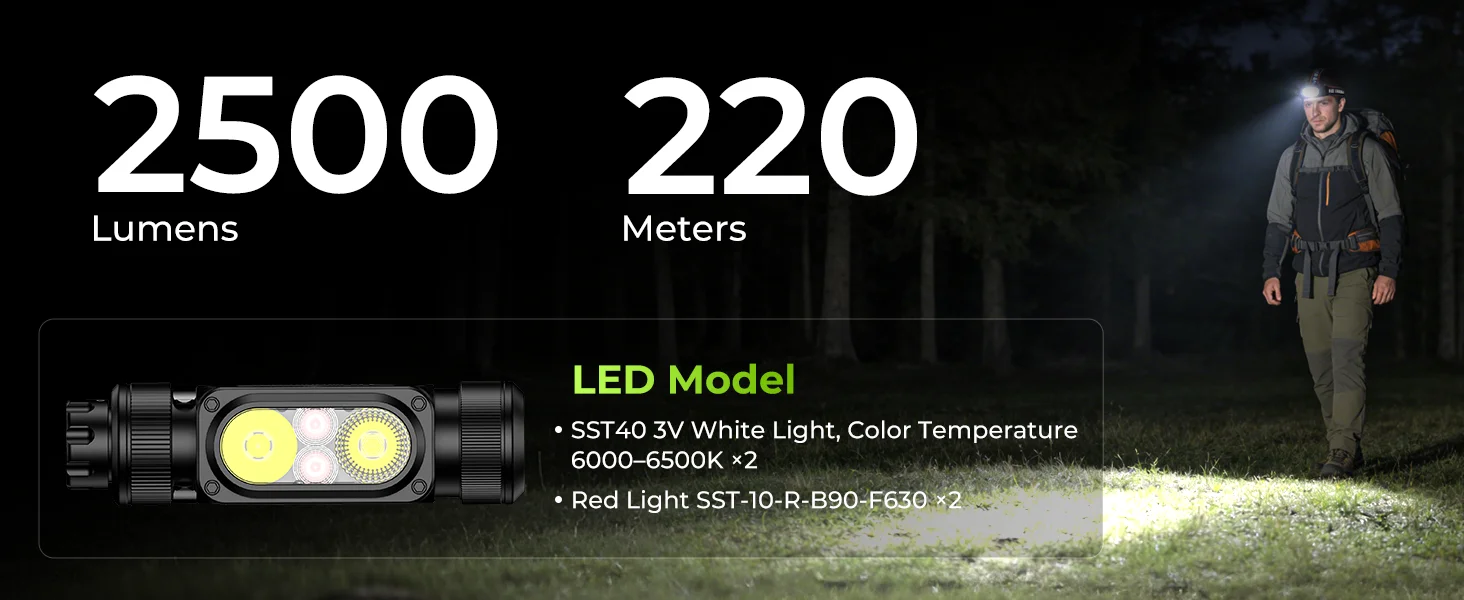
Model of LED Beads: SST40
Nominal Voltage: 3V
Origin: Mainland China
Waterproof: Yes
Wattage: 25W
1. Charge
Upon power-on, the current battery level will be displayed for 5 seconds.
Solid green = 75%-100%
Flashing green = 50%-75%
Solid red = 25%-50%
Flashing red = 1%-25%
When charging:
Solid red = Charging in progress
Solid green = Fully charged
No Battery Installed = Alternating Red & Green Flashing
Low Battery Indicator: When the battery level is low, the indicator will automatically flash red to signal low power.
Low Voltage Protection: When the flashlight is on and the battery level becomes too low, the flashlight will automatically power off to protect the battery lifespan.
Temperature Control Protection: During operation, when the flashlight
temperature reaches the preset threshold, it will automatically reduce output to
regulate temperature.
2. Change Modes
Click the Hall-effect switch to cycle through modes in sequence: OFF →
Spotlight → Floodlight → Red Light.
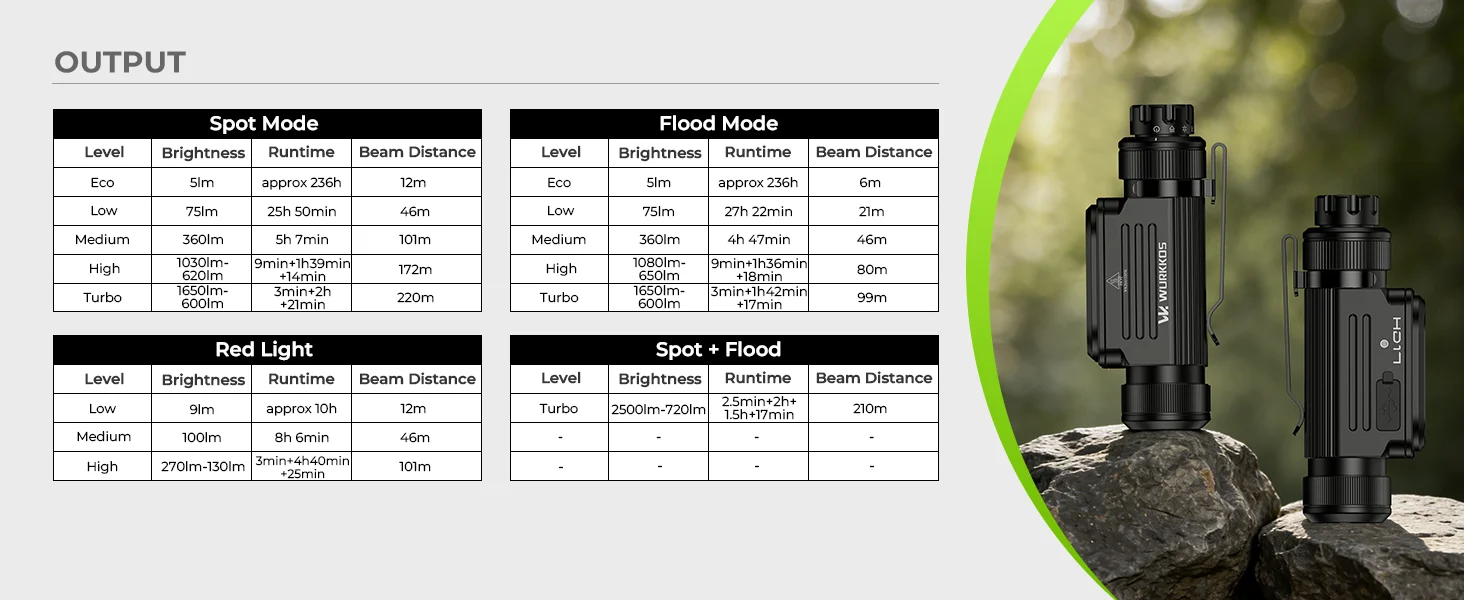
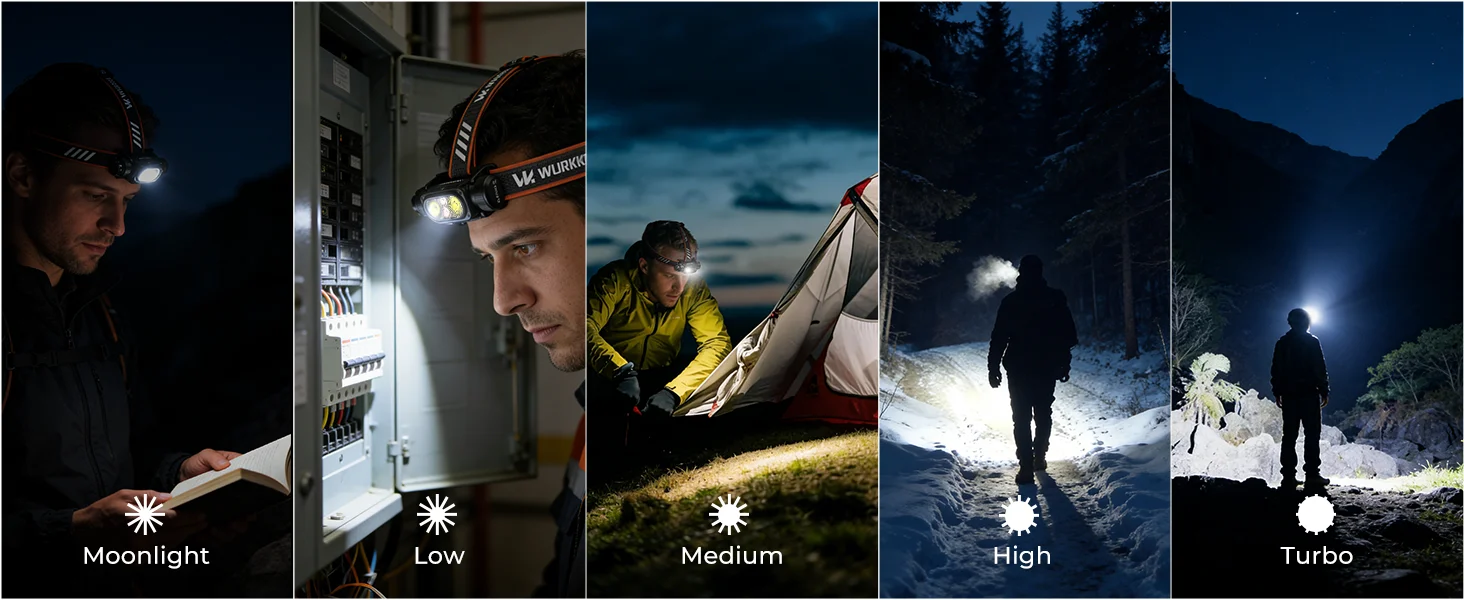
3.in Spotlight/Floodlight Mode: Eco/Low/Medium /High,
In Spotlight / Floodlight mode, press*1 the touch button to cycle through brightness levels in sequence: Eco → Low → Medium → High.
4.In spotlight/Floodlight Mode: Turbo/Hybrid Beam/steplessDimming
In Spotlight / Floodlight mode:
Press*2 the touch button to enter Turbo of the current mode.
Press*2 again to enter Turbo of Hybrid Beam (Spot + Flood).
Press*1 again to return to the memorized brightness of the current mode.
Stepless Dimming:
Press & hold the touch button to perform stepless dimming.
The light will flash once quickly when reaching the max brightness; there is no
indication at the lowest level.
After releasing the button, press & hold again within 1 second to reverse the
dimming direction; otherwise, the direction remains unchanged.
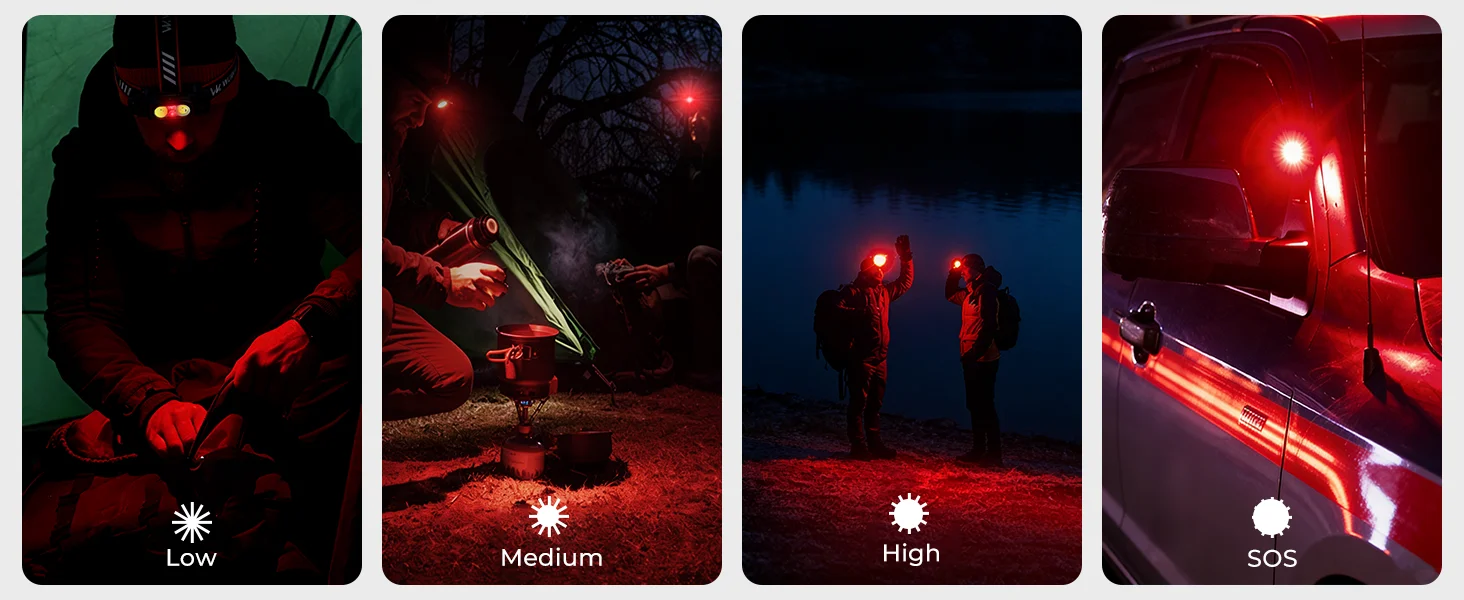
7.In Red Light Mode: Low/Medium/High
In Red Light mode, press*1 the touch button to cycle through brightness levels
in sequence: Low → Medium → High.
8. In Red Light Mode: Red Flashing / Stepless Dimming
Press*2 the touch button to enter Red Flashing. Press*1 again to return to the
memorized brightness level.
Press & hold the touch button to perform stepless dimming. When reaching the
max brightness, the light will flash once quickly as an indication; there is no
indication at the lowest level.
After releasing the button, press & hold again within 1 second to reverse the
dimming direction; otherwise, the dimming direction remains unchanged.